AI COPY TRADING PLATFORM

Host Robots.
Copy Pros.
Scan Charts with AI.

Apex Connect hosts your Expert Advisors, mirrors the best mentors' trades to your MT4/MT5 account in seconds, and reads any chart with live market data + AI. Hands-free, 24/7.

AI Chart Scanner
Auto Copy Trading
Self-Hosted EAs
MT4 & MT5
24/7 Execution
Live P/L Tracking
BUY XAUUSD copied - 0.01 lots
Deep Scan complete - setup found
+$42.50 floating P/L
Apex Connect app
WHY APEX CONNECT

Built for traders who win

Everything a serious trader needs - executing on your own broker account, under your own rules.

Deep Scan AI

Five timeframes, three strategy lenses (trend, SMC, momentum) with a consensus score - powered by live OHLC data, not screenshots.

Copy the Best Mentors

Subscribe to a mentor's robot - every trade mirrors to your account in seconds, at your lot size, with your symbol caps.

Host Your Robot

Mentors run their EAs on their own PC or VPS and sell access. Your strategy, your price, your clients - you keep 100%.

Your Broker, Your Account

Trades execute on your own MT4/MT5 account. Funds never leave your broker. Full control, full transparency.

Second-Level Execution

Signals flow mentor → cloud → your terminal in seconds, with retries and delivery receipts on every trade.

Live Dashboard

Balance, equity, floating P/L, running trades and full account history - tracked live in the app.

99%UPTIME EXECUTION
24/7ALWAYS LIVE
MT4 / MT5FULLY SUPPORTED
<2sSIGNAL DELIVERY
Real-time trade execution Your funds stay at your broker AI decision support, not financial advice
PRICING

Simple plans. Real tools.

One subscription for the platform. Mentors keep 100% of what they charge for their own robots - that's between mentor and client, never us.

Client

R375
per month - 31 days
  • Deep Scan AI - 10 scans/day (5 timeframes, multi-strategy)
  • Link your MT4/MT5 account
  • Receive your mentor's trades automatically
  • Live balance, equity & floating P/L
  • Full account history
  • 24/7 execution from your mentor's robot
MOST POPULAR

Client + Deep Scan Elite

R400
per month - 31 days - launch pricing locked
  • Everything in Client
  • Priority Deep Scan queue at launch
  • Founding-member rate locked for life
  • Early access to new AI features
  • Note: your mentor's bot price is separate - paid to them, kept by them
PAYMENTS

Pay with PayShap

No card needed. Send your subscription by instant PayShap, then tap the WhatsApp button and send your proof - we activate your account within minutes.

MANUAL PAYMENT

Apex Connect Subscription

R375
Client monthly | R400 Client Elite | R500 Mentor once-off
BANKFNB
SHAP ID (CELL)076 727 9465
ACCOUNT HOLDERT Mahlakwane
ACCOUNT NUMBER63188822465
BRANCH CODE250655
Use your signup email as the payment reference. After paying, tap the button below and send your proof on WhatsApp with your email in the message.
MOBILE ACCESS

Get Apex Connect on your device.

Run everything from your phone - install the app on Android or add it to your iPhone Home Screen in under a minute. Updates automatically whenever you open it.

Android

INSTALL THE APP (AUTO-UPDATING)

Tap the button below to open Apex Connect in Chrome, tap Install App (or ⋮ → Add to Home Screen), then sign in with the same email and password you created here.

Open & Install App
ANDROID APP - LIVE NOW

iOS

IPHONE - TRADING WEB APP

Tap the button to open the trading app in Safari and sign in with your Apex Connect email. Then add it to your home screen.

Open the Trading App
01

Tap Open the Trading App and sign in - same email and password as this site.

02

Tap the Share button at the bottom of Safari.

03

Scroll, tap Add to Home Screen, then tap Add.

04

Launch the icon - your robot app opens full screen and updates automatically.

GET STARTED

Live in 3 steps

No VPS to rent. No complex setup. One app, one terminal.

1

Sign up above as a Client or Mentor - email and password. The same login signs you into the mobile app.

2

Download the app for Android or iOS from the Mobile App section.

3

Clients: link your MT account + activate your mentor's key. Mentors: create your EA and connect your terminal.

1

Get your activation key from your mentor - delivered by email or directly.

2

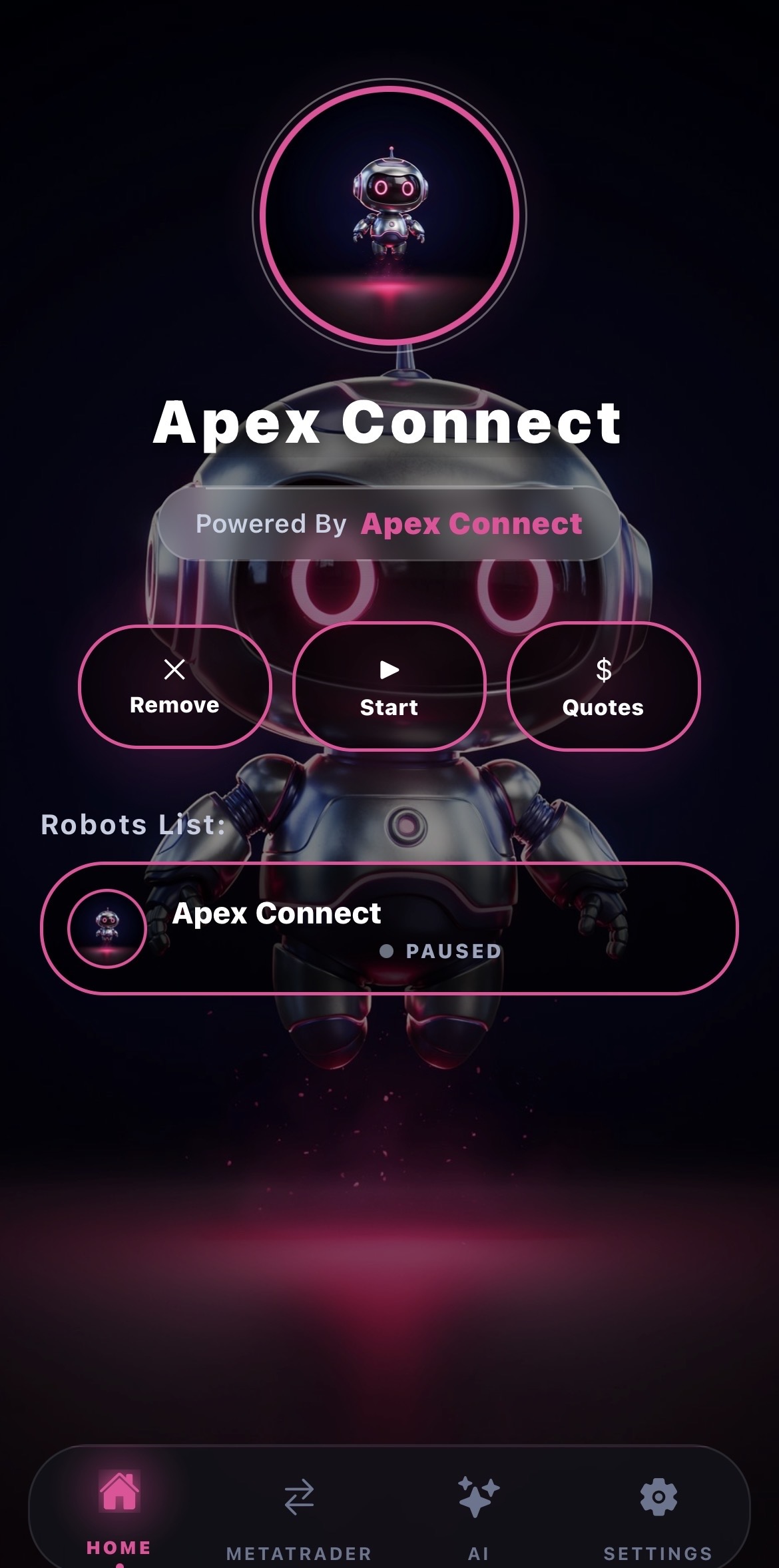
Enter it in the app - the robot appears in your Robots List.

3

Every mentor trade now auto-copies to your linked account.

1

Start at Tier 1 - create your EA, connect your terminal, generate keys.

2

Sell 5 keys → Tier 2 unlocks: permanent status + background picture branding.

3

Sell 15+ → featured placement. 20+ → Tier 4 video branding. Your growth is your unlock.